
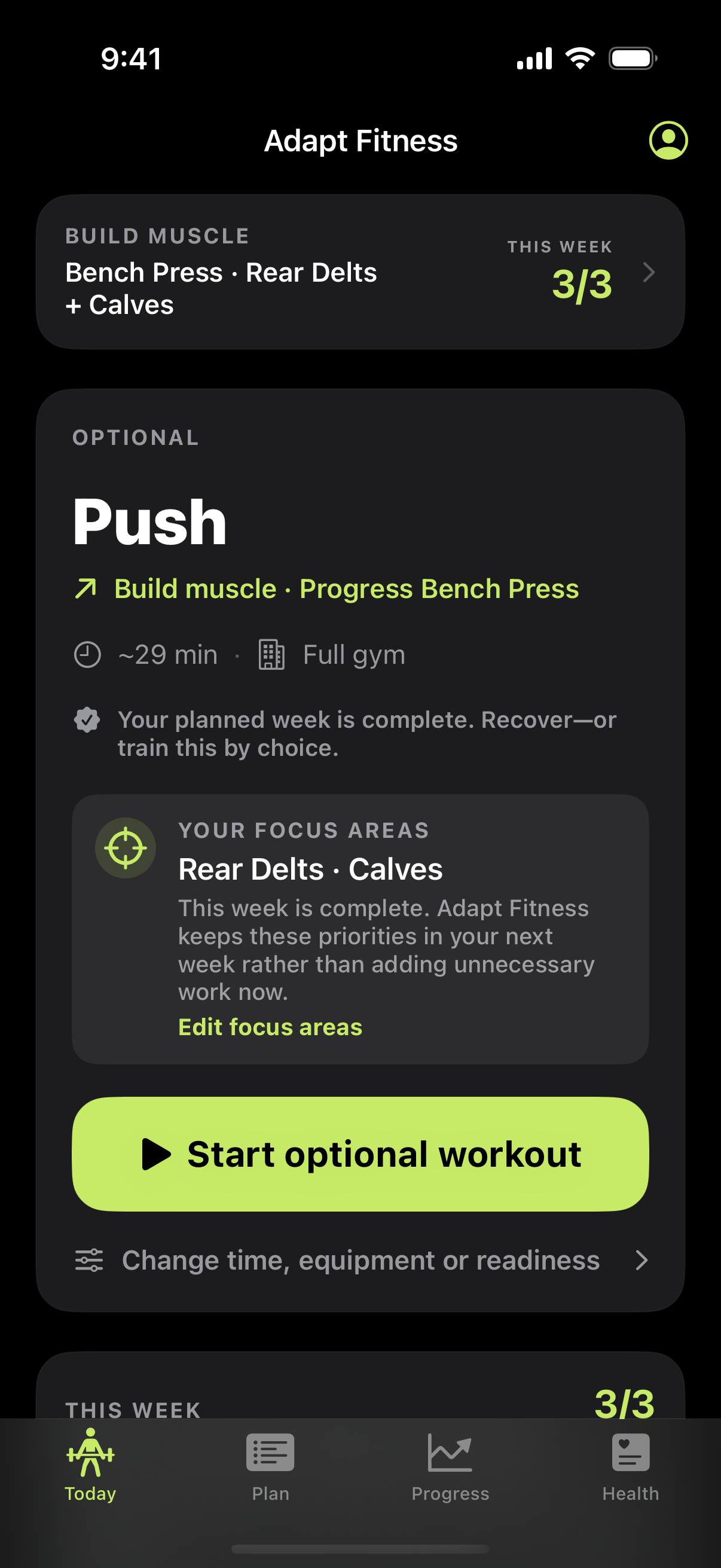
Set the budget before starting
From today’s workout, open Change time, equipment or readiness and choose the available duration. If equipment has changed as well, update that in the same workflow. Review the resulting prescription rather than starting the long version and hoping to rush through it.
The estimate helps organize the session. It cannot know about a queue for dumbbells, a conversation, extra practice sets or the longer rest you might need on a difficult day.
How the app reduces a session
The time-fitting logic can shorten prescribed rests, remove sets, and drop exercises when needed. It considers isolation work before broader exercise removal. Very tight budgets can require more substantial reductions, so a short-session result may cover less than the original program.
Read the change notes. An exercise omitted to fit today’s time is not a statement that it never matters. If short days become your normal schedule, use a routine designed for them instead of repeatedly trimming a much larger program.
A 30-minute planning example
| Time | Practical allocation |
|---|---|
| First 5 minutes | Easy movement and lighter practice sets. |
| Next 20 minutes | A small number of working sets with controlled reps and adequate rest. |
| Final 5 minutes | Transitions, any extra rest, logging and putting equipment away. |
This is an illustrative real-world budget, not an exact app-generated workout. A session that originally included several accessories may need fewer sets and movements. Check whether the important work for your current goal remains represented before accepting it.
If you need more than five minutes to prepare for the chosen exercises, reserve that time. Do not skip necessary warm-ups to make an estimated duration look accurate.
Use the clock without letting it dictate technique
Take extra rest when breathing, balance or grip prevents the next controlled set. If that pushes the session beyond the budget, remove a remaining set or stop at an appropriate point. Never rush loading, abandon safe technique or perform a painful movement to finish an app timer.
The useful record is what you actually completed. Log a shortened session honestly so it does not appear that you performed every original set.
Build a week around repeated short sessions
If most visits are 30 minutes, distribute the training across the days you can reliably attend. Review muscle coverage across the week instead of demanding that every visit contain all possible exercises. Adapt Fitness’s muscle-volume view can help identify gaps in the logged work.
The standalone three-day, 30-minute guide below provides an explicit schedule and rest budget. Use that when you want a fresh compact routine rather than a one-day adjustment to an existing plan.
Short-session app questions
Does the app guarantee exactly 30 minutes?
No. Duration is an estimate. Your warm-up, transitions, equipment availability and recovery can change elapsed time.
Does it just shorten all the rest periods?
No. Time fitting can also reduce working sets and remove exercises. Review the notes and prescription to see the changes.
What if I only have ten minutes?
A very short budget may remove much of the planned session. Choose a small amount of appropriate work or reschedule rather than expecting the full program to fit.
App access
Adapt Fitness is built for iPhone. Pro subscriptions are offered in the app; check the current paywall for included features, pricing and trial eligibility before purchasing. Screen appearance and availability can vary by version.
Put it into practice
Make the next session easier to plan.
Choose your plan, review your session and log the work you actually complete.
Get Adapt Fitness ↗